Review before the charge
Renewal date, amount, cancellation link, and reminders.
Add renewals, warranties, returns, subscriptions, documents, insurance dates, and more. Save the receipt, PDF, link, note, or next step with each record.
Chronaya does not ask for an account and does not upload your records or files to its servers. Your dates, notes, reminders, photos, and PDFs stay in the app on your device.
Read the privacy policy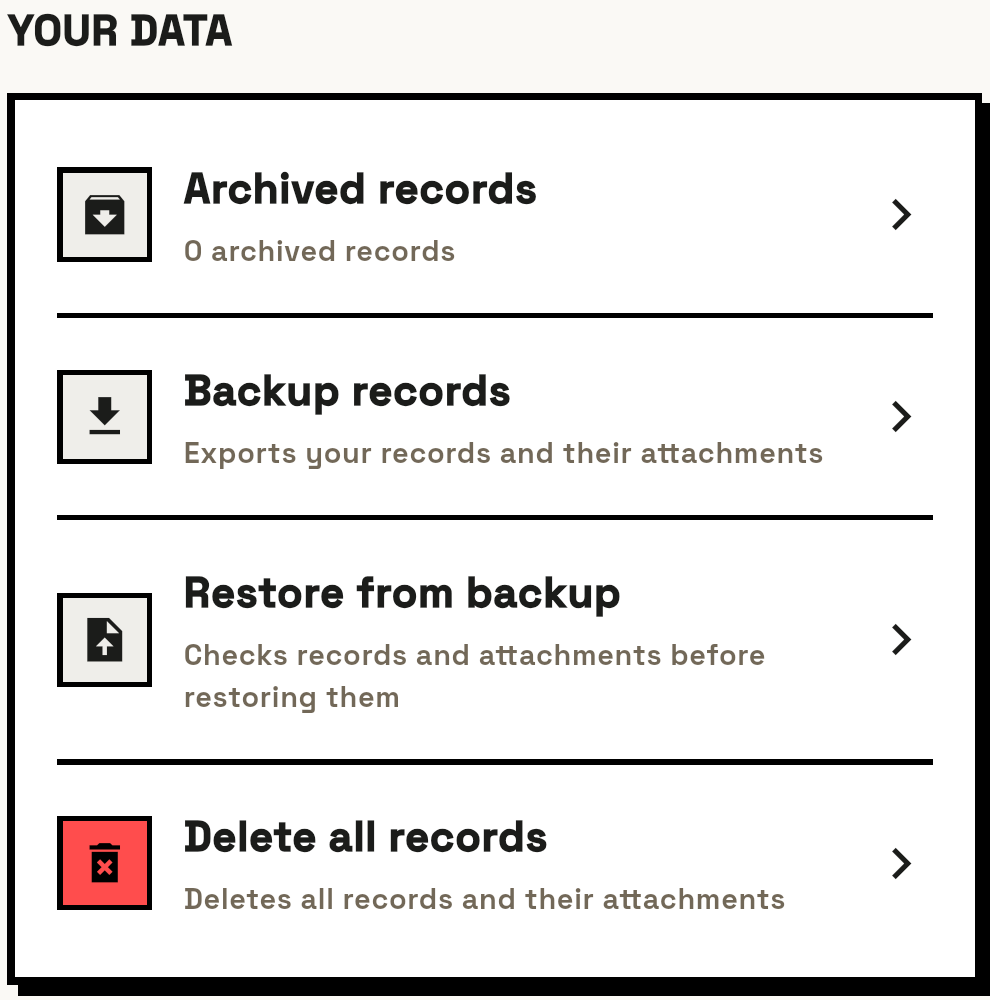
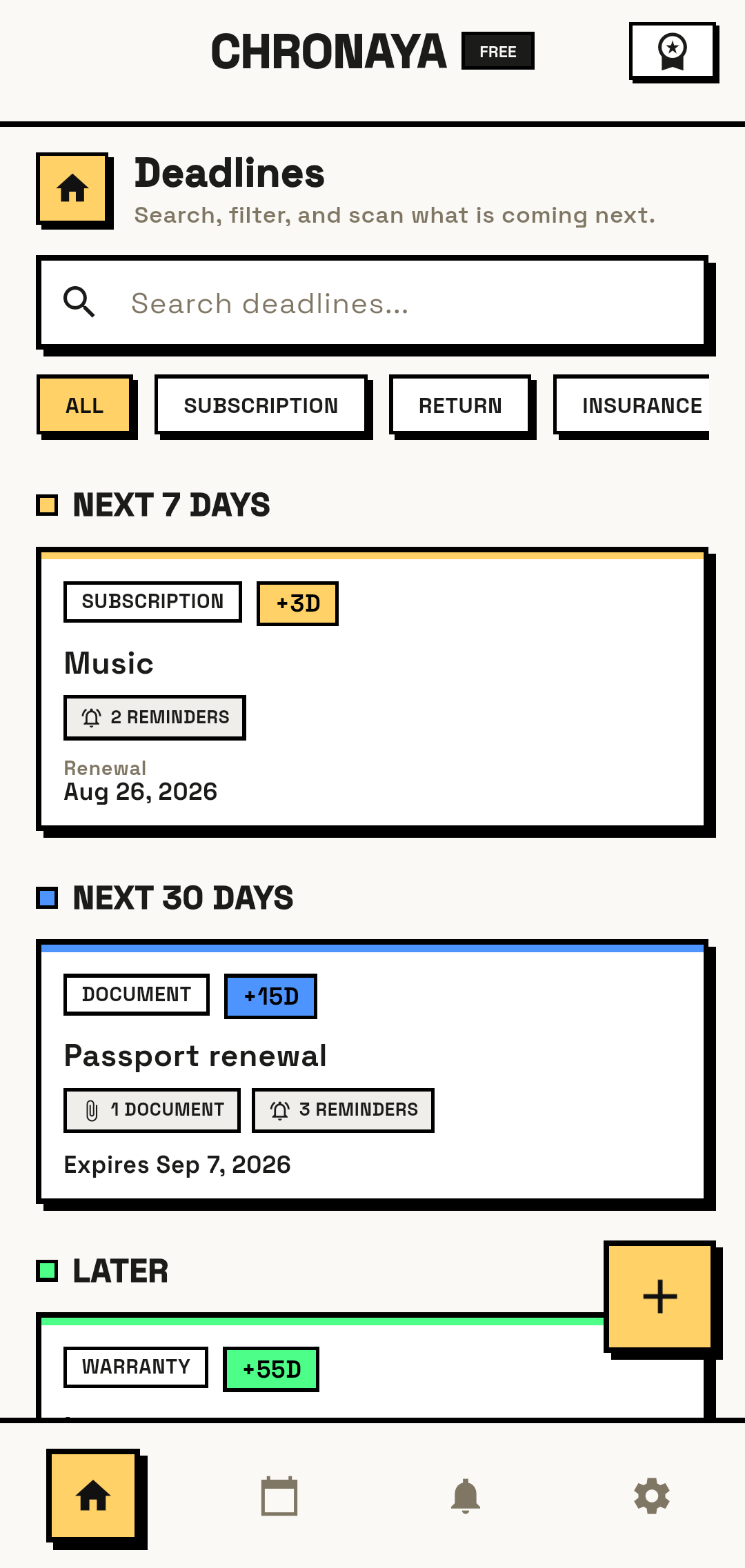
Save the information for each deadline, set reminders, and open the record when you need it.
Add a renewal, return window, warranty, document expiry, insurance date, or anything else you do not want to miss.
Attach the receipt, PDF, link, price, note, and next action to the same record.
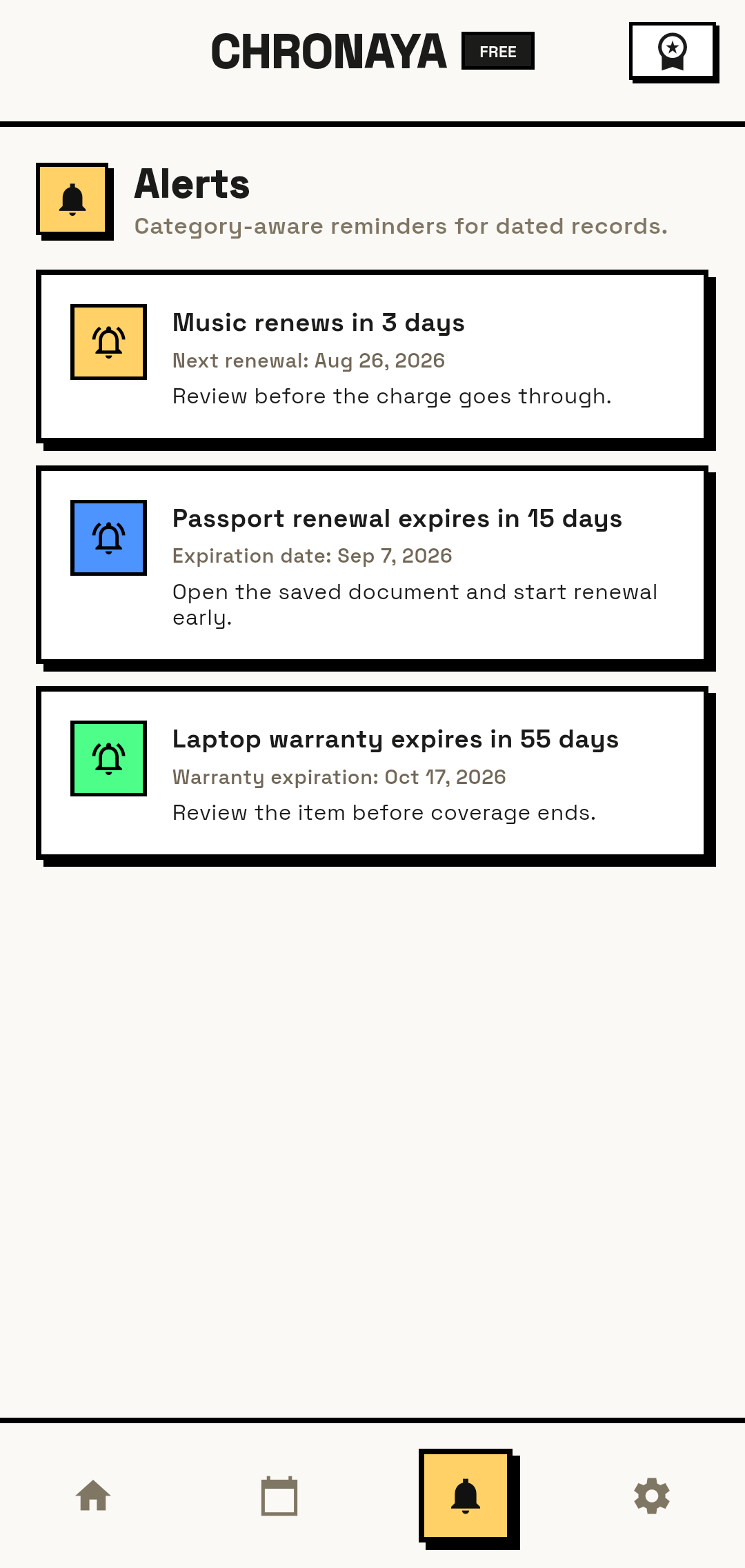
Set one or more reminders. Open the record from the alert to view its notes, files, and next action.
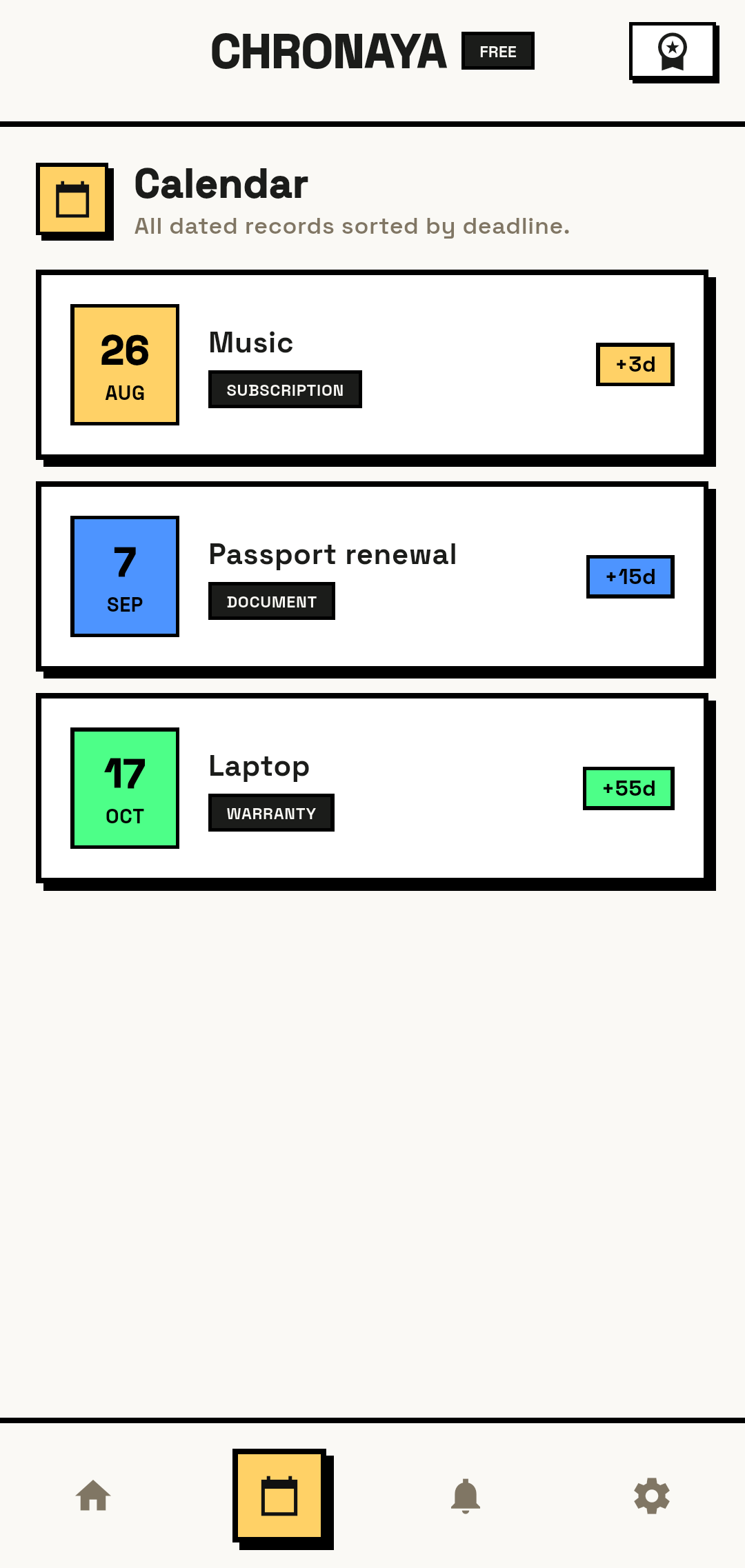
Keep the date, proof, and next step in the same record.
Renewal date, amount, cancellation link, and reminders.
Receipt, store notes, return window, and next step.
Purchase date, receipt, warranty file, and expiration.
Expiry date, document copy, notes, and multiple reminders.
Policy or inspection date, PDF, cost, and action.
Chronaya stores records on your device. It does not provide banking, insurance, cancellation, or cloud document services.
Subscriptions, free trials, returns, warranties, document expirations, insurance dates, vehicle deadlines, and other personal or household dates.
Yes. Core tracking, searching, filtering, and on-device reminders work offline. Internet may still be needed for updates, purchases, support, and links you choose to open.
No. Chronaya does not require an email address, password, phone number, or Chronaya cloud account.
Your device handles reminders, so notification and battery settings can affect delivery. Use more than one reminder for legal, travel, insurance, or other critical dates.
You choose when to export a Chronaya ZIP backup containing your records and attachments. Move that file securely and restore it when needed.
Lifetime Pro removes plan limits on active records, attachments, and reminders and enables a separate notification time for each record. It is a one-time app-store purchase.
Start free on Android or iPhone. No account. No recurring subscription.